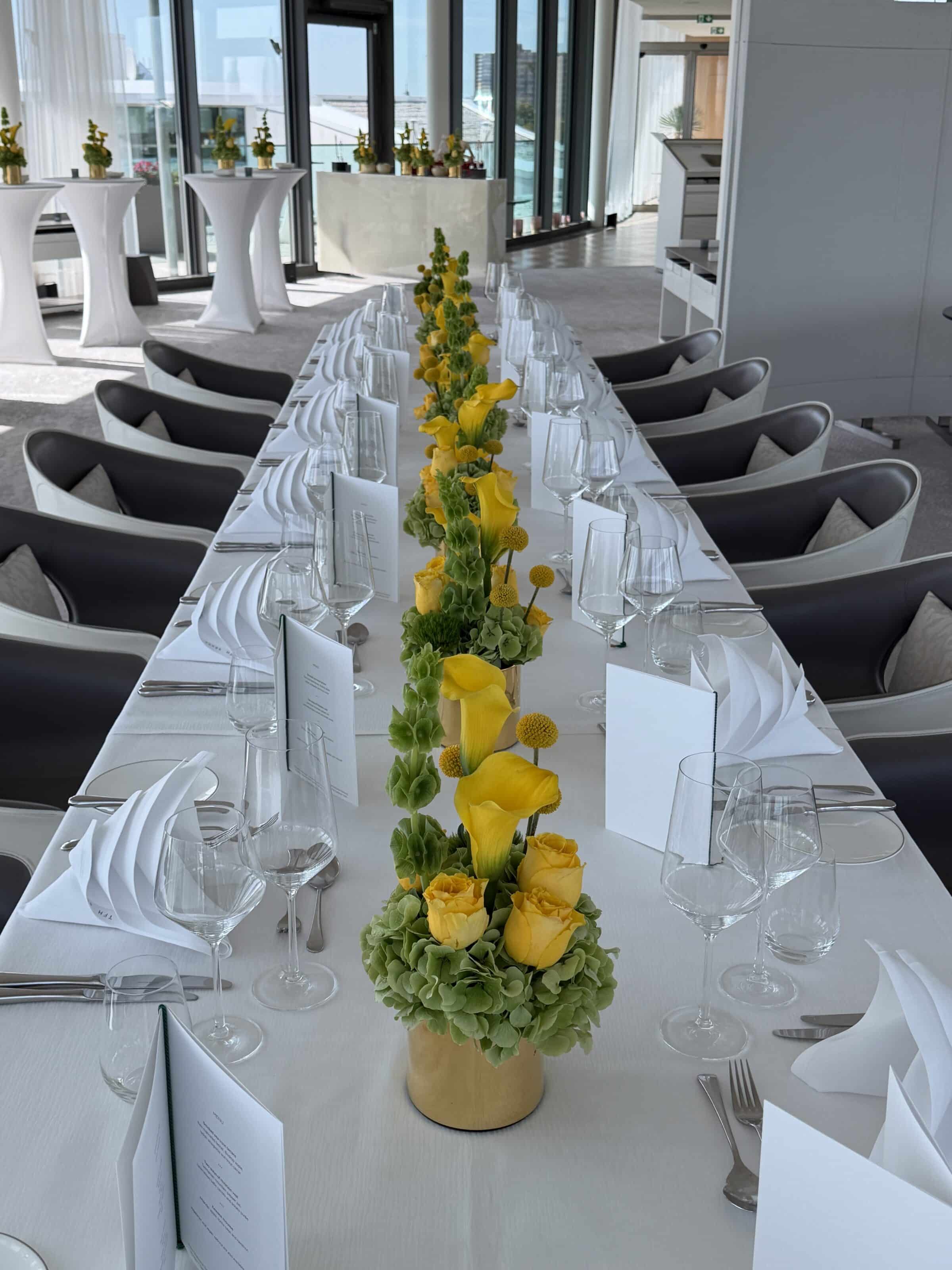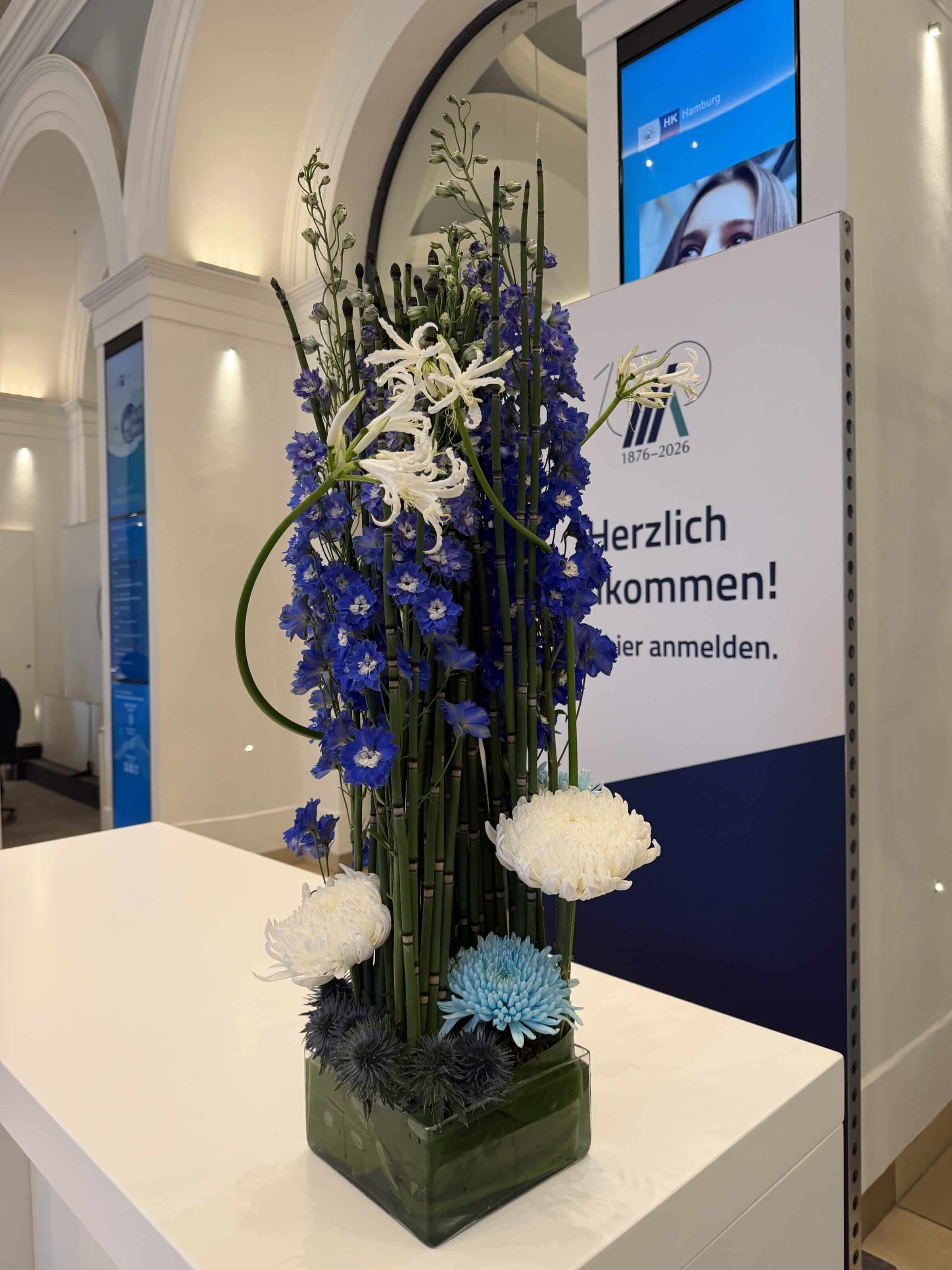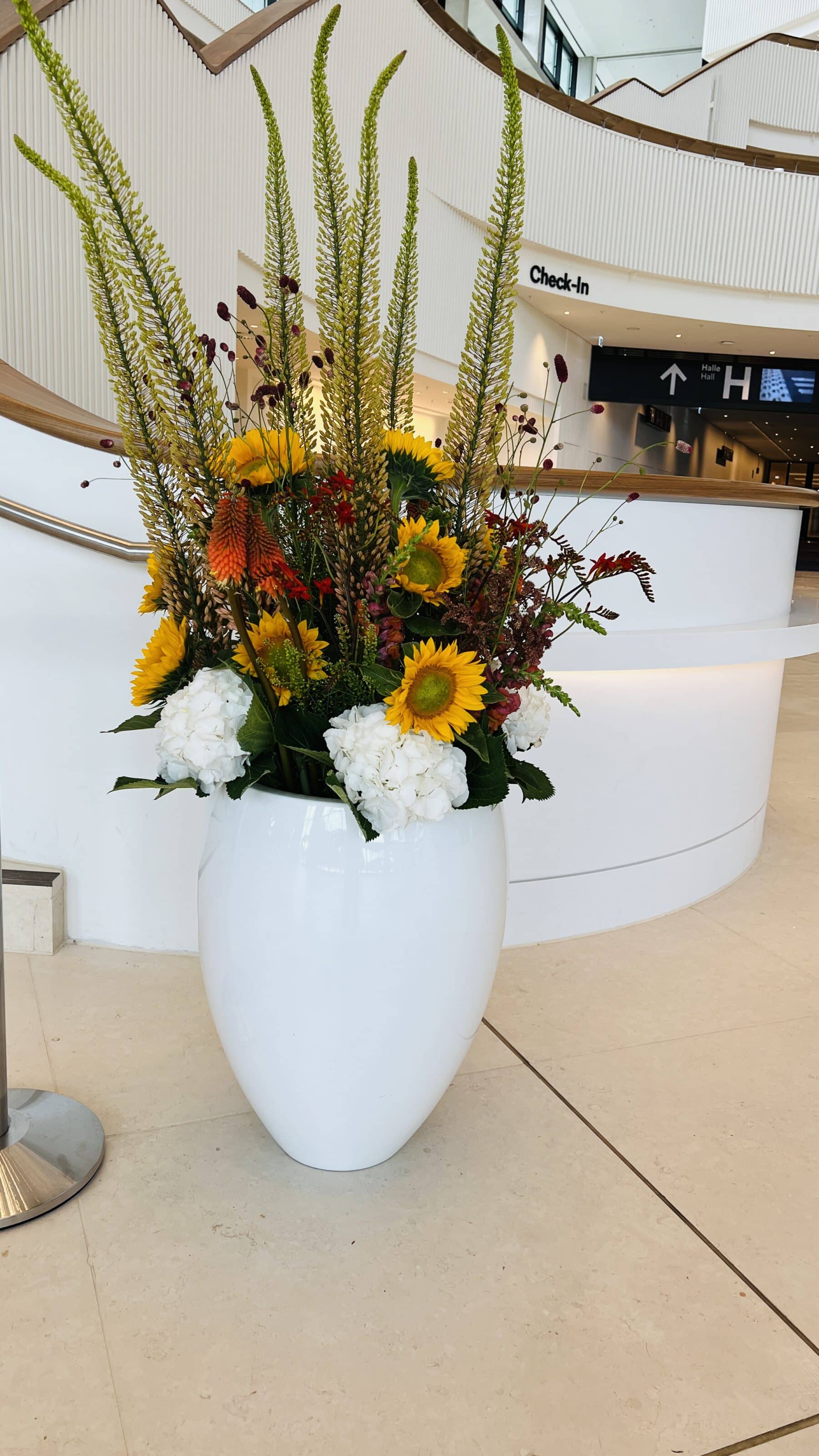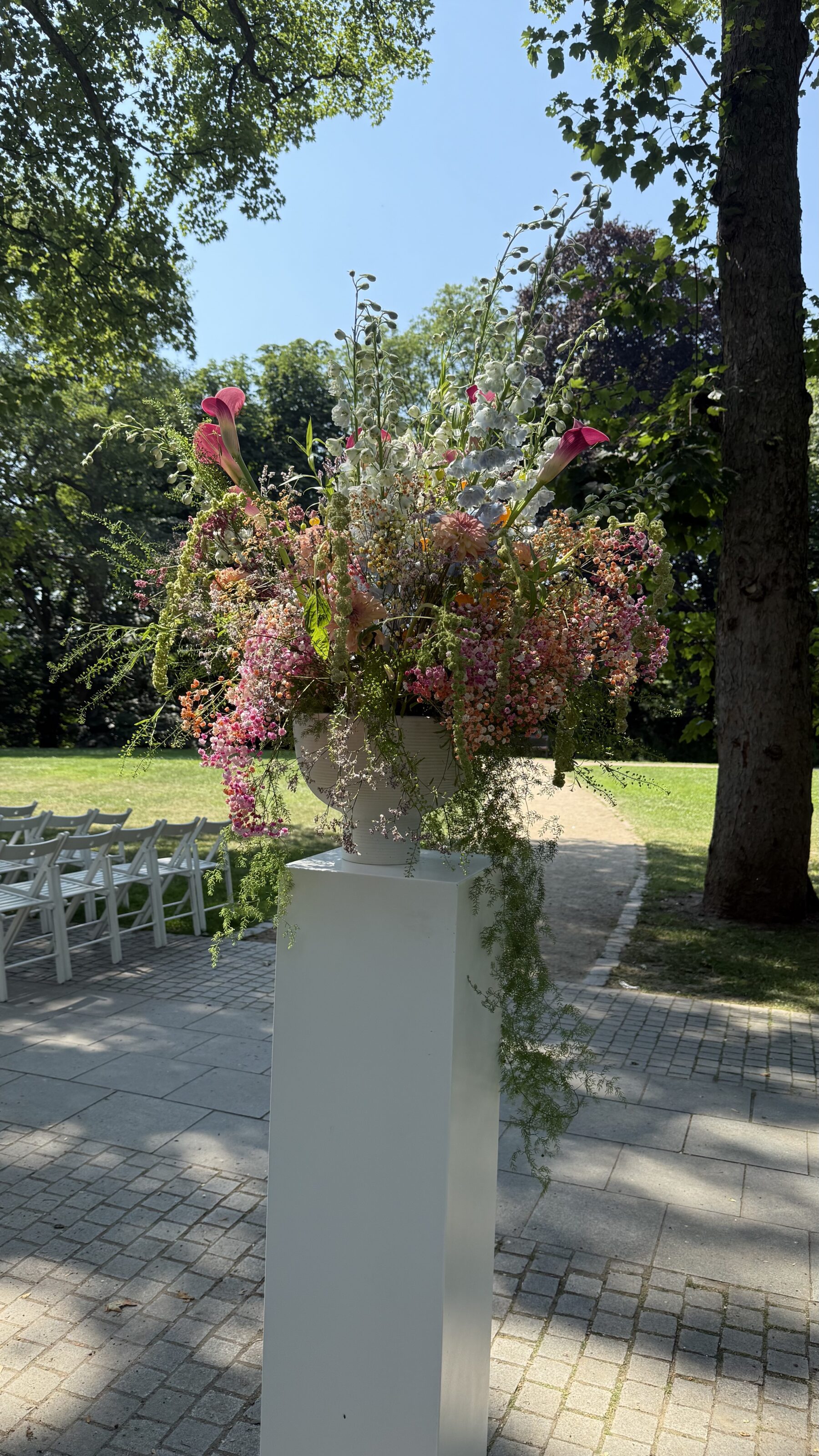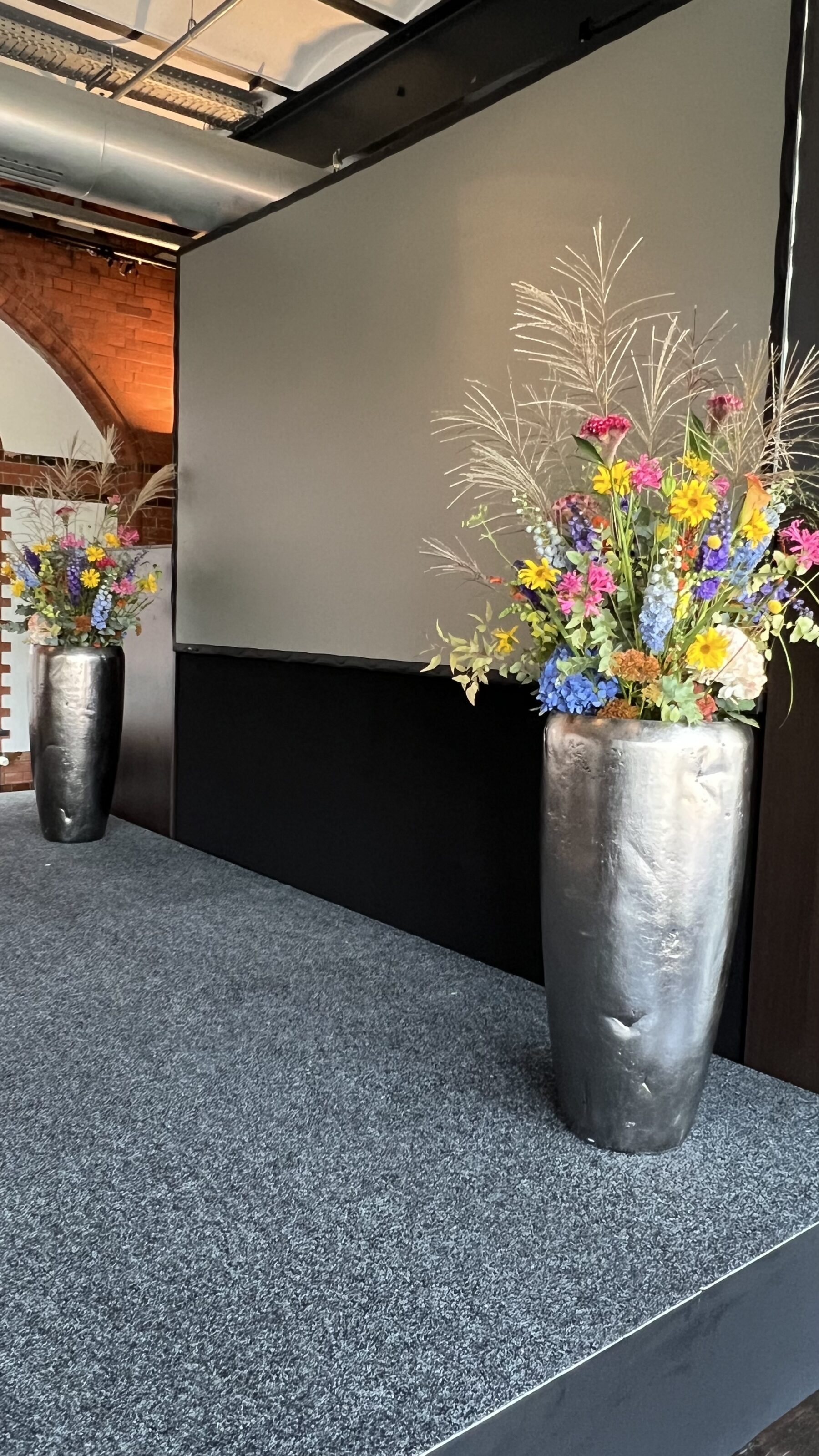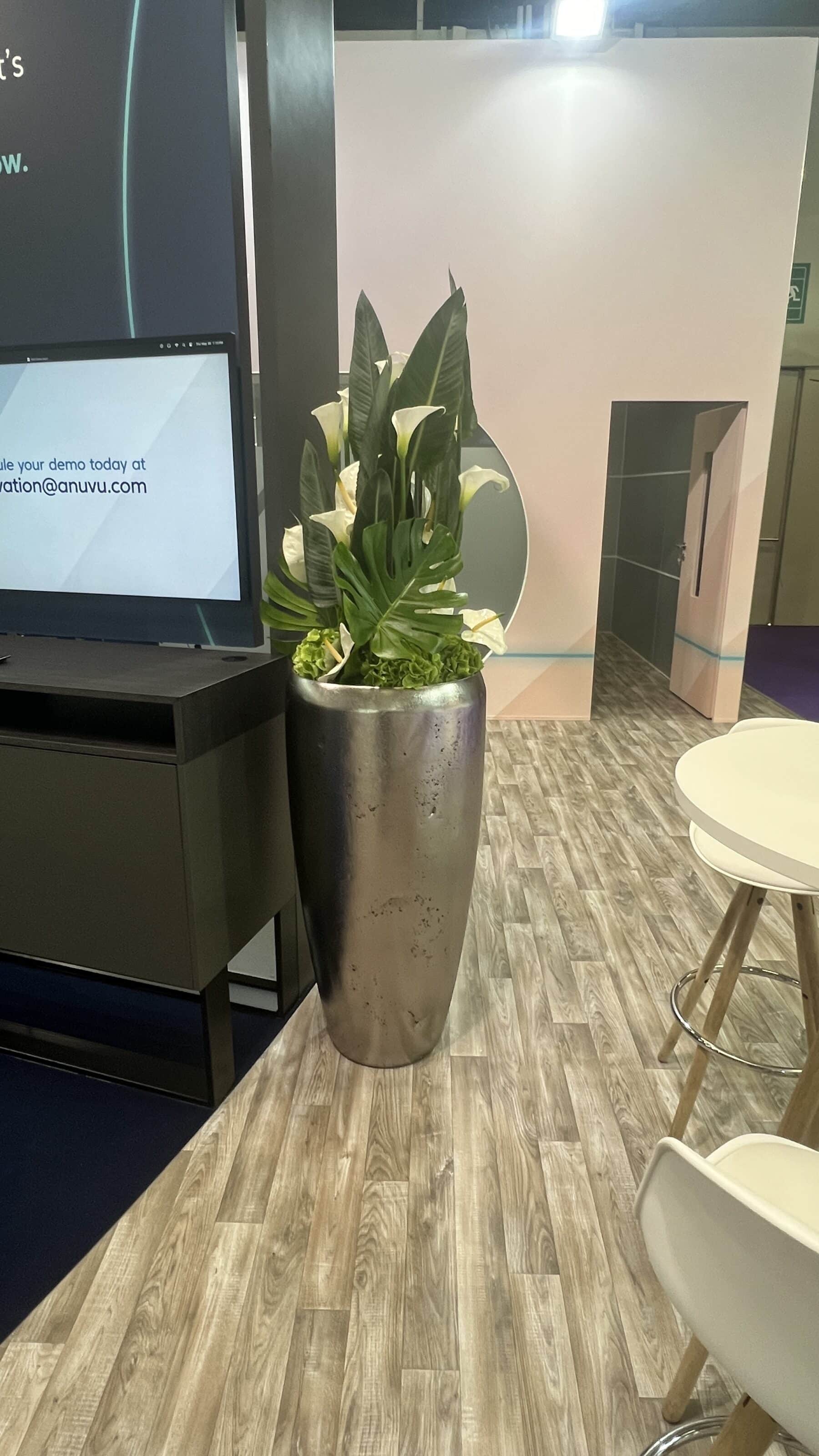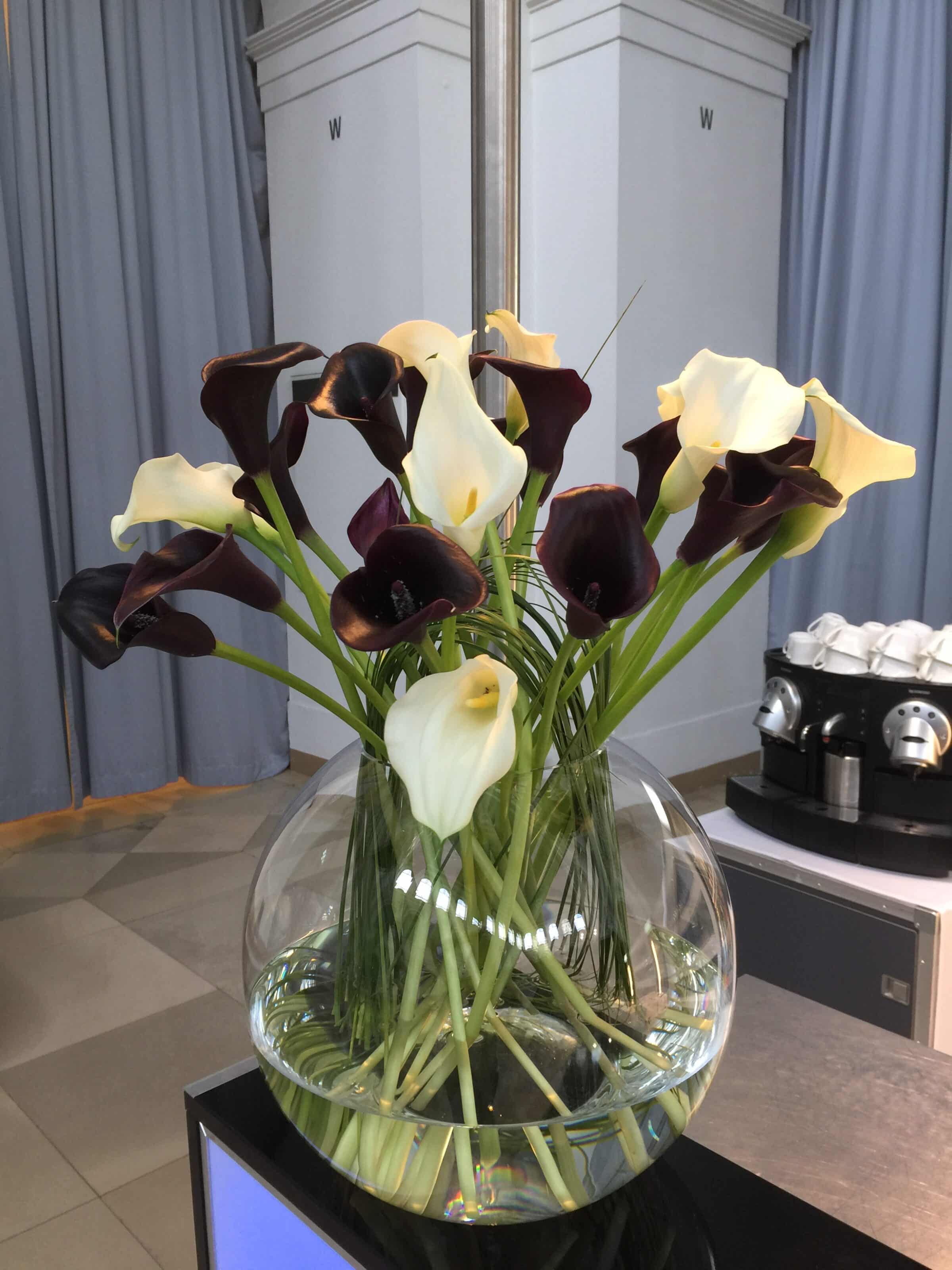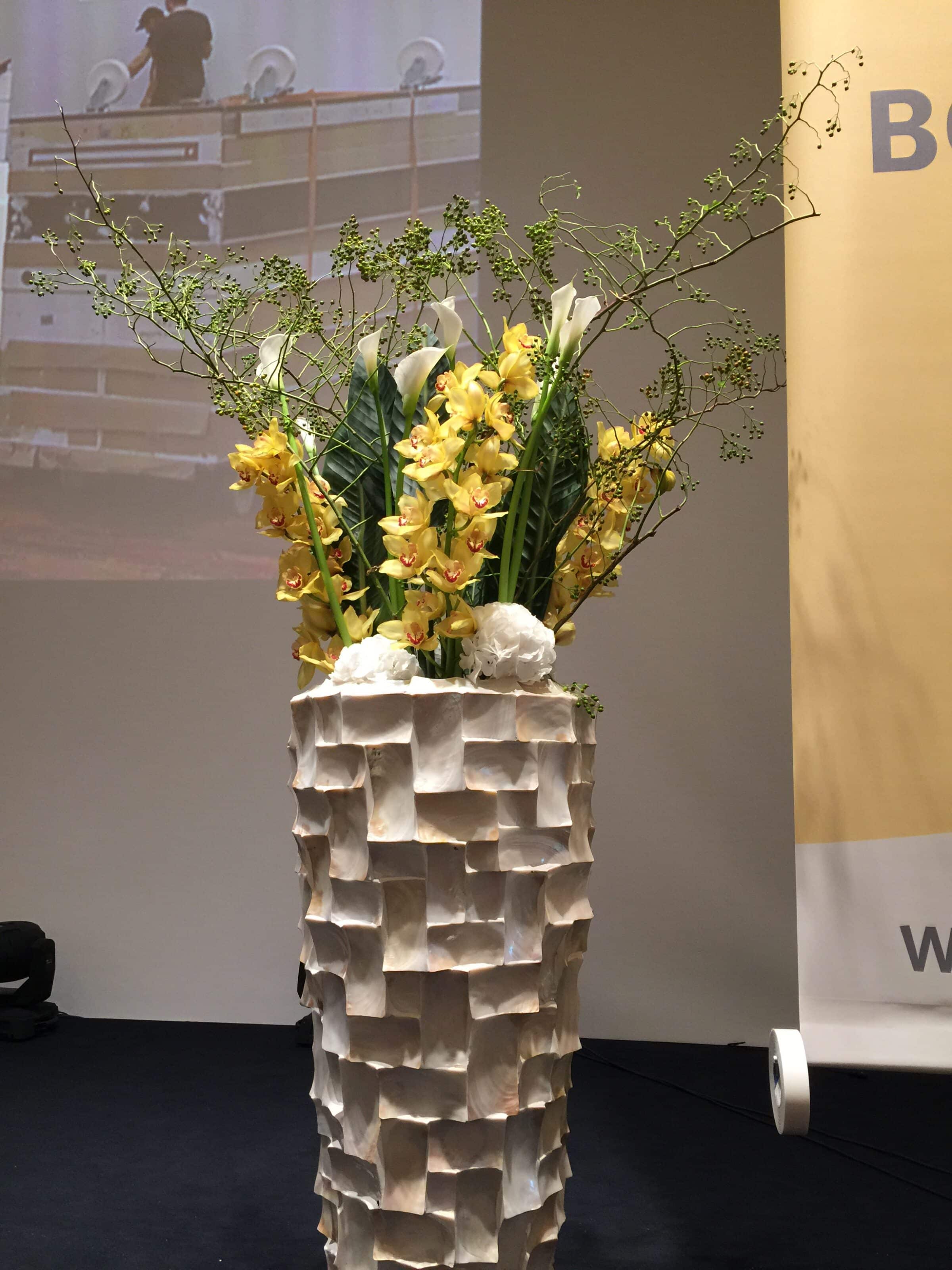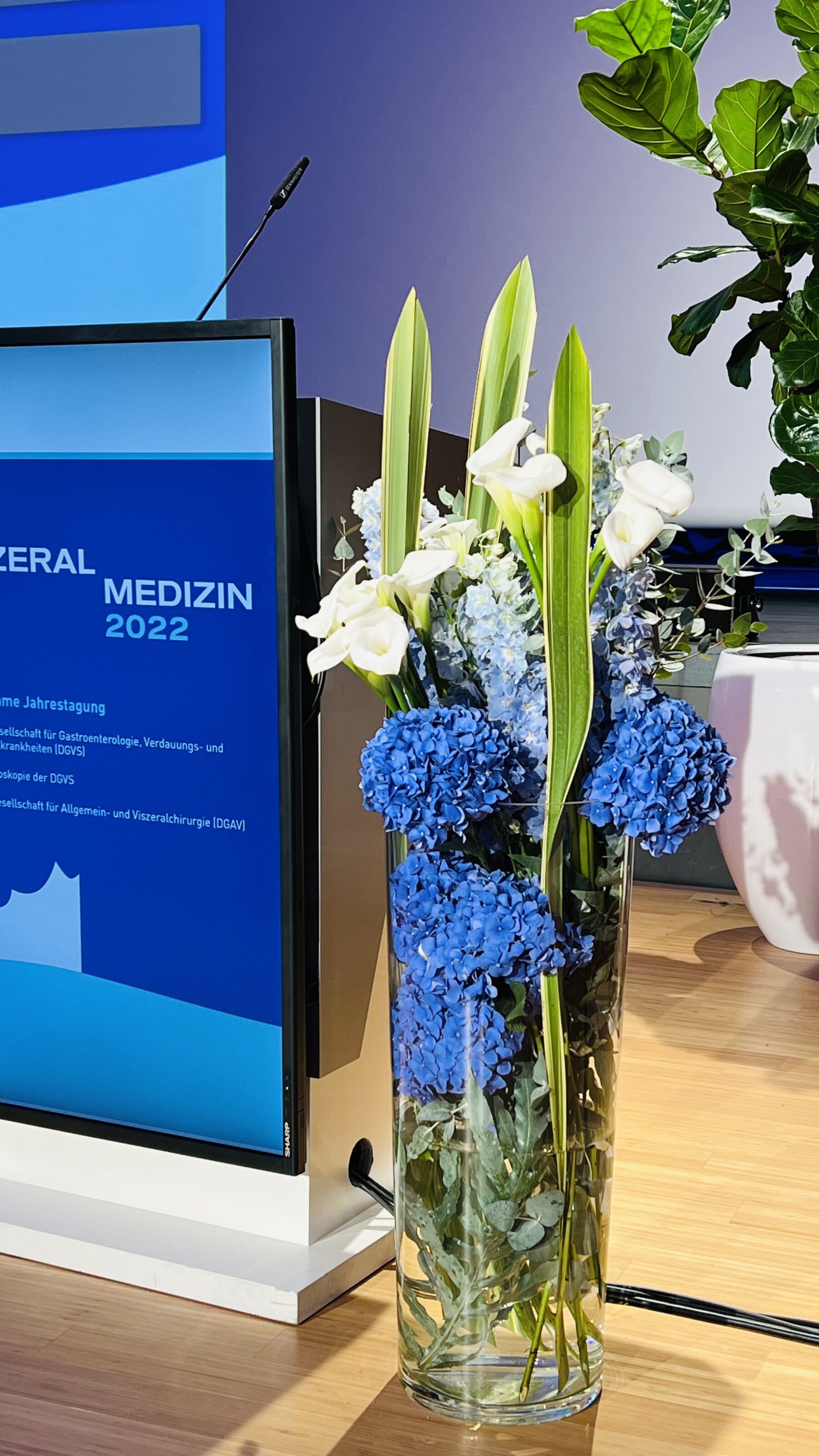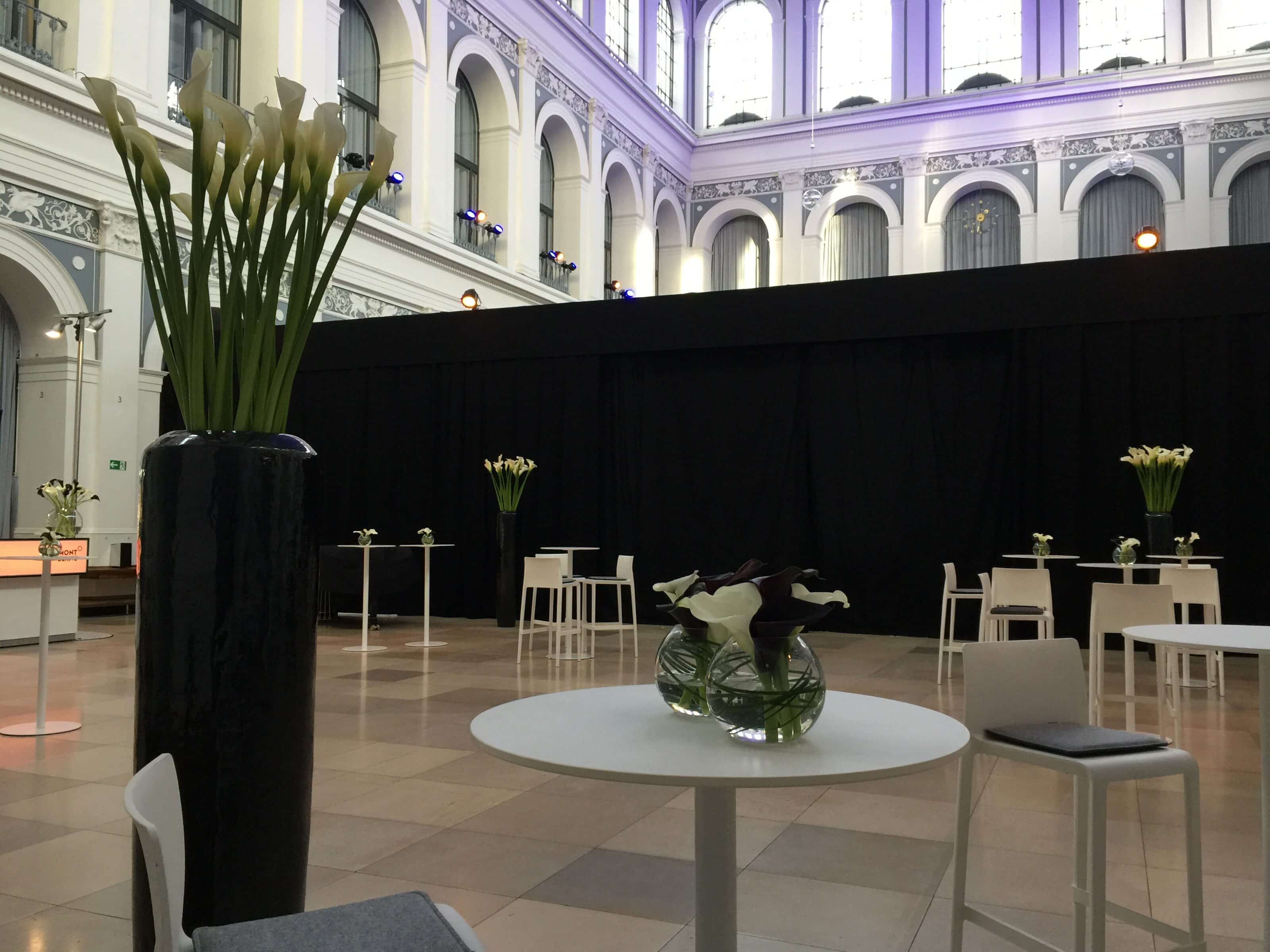
With a single order you can send several fresh bouquets to different delivery addresses – ideal for companies that want to delight many customers, employees or partners at the same time.
From account to payment – you create each package yourself, we take care of the rest.
Login required: You can only place a bulk order with a customer account. If you do not have one yet, register at the start in a few steps – afterwards you land straight back in the bulk order.
Import your complete address list at once – how to create the file.
Each delivery is handled individually – with its own date and its own greeting text.
All deliveries are combined on one collective invoice.
For the first order by PayPal, credit card or invoice in advance by bank transfer, from the second order additionally by SEPA direct debit. For known business customers we enable purchase on invoice on request – enquire now.
A CSV file is a simple table saved as a text file: each row is one recipient, the details are in columns. It can be created with any common spreadsheet program and saves you typing many individual addresses.
Windows and Mac: File → Save as → “CSV UTF-8 (comma delimited)”.
Mac, iPhone and iPad: File → Export To → CSV.
Free in the browser: open the template via File → Import, then File → Download → “Comma-separated values (.csv)”.
Free: File → Save as → “Text CSV”, character set “Unicode (UTF-8)”, separator semicolon.
If necessary a simple text editor is enough: one recipient per line, details separated by semicolons.
The headings matter, not the order of the columns. Please keep the German column headings exactly as in the template.
Important notes
We deliver from our shops in Hamburg City (Valentinskamp 95) and Hamburg St. Georg (Lange Reihe 110).
We deliver all addresses outside Hamburg City by DHL Express.
What customers like to know before their first bulk order.
Yes. Logging in is mandatory for the bulk order. If you do not have a customer account yet, register at the start – afterwards you continue automatically with your bulk order.
Yes. Create one package per address – you can send the same bouquet as often as you like to different addresses, each with its own greeting card, extras and delivery date.
Each package is exactly one delivery: it has one delivery address, one desired date and a greeting card with its own text, and is processed by us as a separate delivery order. This way it is always clear which card and which extras belong to which bouquet. If you want to send several bouquets to the same address, simply create several packages with the same address – each with its own card and greeting text.
For your first order by PayPal, credit card or as an invoice in advance by bank transfer – shipping then starts after payment is received. From the second order SEPA direct debit is also possible. Known business customers can also pay on invoice after delivery on request – talk to us about it.
As a new customer you pay by “invoice in advance”: you receive our bank details by email and transfer the amount; you receive the invoice automatically by email right after the order. Pay within five working days; on the working day after we receive your payment we prepare your order. Shipping starts on the working day after that – if you pay on the last day of the period, on the sixth working day after your order, with earlier payment (e.g. by instant transfer) correspondingly earlier. Your desired dates, including those from your CSV list, are kept until payment is received; if one is then before the earliest possible shipping date, we adjust it automatically and inform you by email. For known business customers we enable purchase on invoice on request. We combine your orders at the end of the month into one collective invoice, payable within 8 days; please contact us via our contact page for this.
If no payment has been recorded after five working days (payment period), we remind you by email and set a grace period of three calendar days. If the payment does not arrive even then, the order is cancelled automatically – this is clearly stated in the reminder email. Goods are only shipped after payment is received.
Yes – upload your address list as a CSV file. We provide a suitable template in the order process; you will find a step-by-step guide further up on this page.
Download the template, fill in one row per recipient in Excel, Numbers, Google Sheets or LibreOffice and save the file as CSV. All details are in the guide to the CSV file.
Yes, if we have enabled purchase on invoice for you. The orders are then combined into one collective invoice at the end of the month, payable within 8 days.
In Hamburg City by courier from our shops in Hamburg City and Hamburg St. Georg – and nationwide with DHL Express.
Log in or register – then you create your packages and send flowers to all addresses at once.
PayPal uses Google reCAPTCHA to help secure the payment process. (More Information)
You are currently viewing a placeholder content from Accessibility Widget. To access the actual content, click the button below. Please note that doing so will share data with third-party providers.
More InformationYou are currently viewing a placeholder content from Vimeo. To access the actual content, click the button below. Please note that doing so will share data with third-party providers.
More InformationYou are currently viewing a placeholder content from YouTube. To access the actual content, click the button below. Please note that doing so will share data with third-party providers.
More InformationYou need to load content from reCAPTCHA to submit the form. Please note that doing so will share data with third-party providers.
More InformationYou are currently viewing a placeholder content from Google Maps. To access the actual content, click the button below. Please note that doing so will share data with third-party providers.
More InformationYou are currently viewing a placeholder content from Google Maps. To access the actual content, click the button below. Please note that doing so will share data with third-party providers.
More InformationYou are currently viewing a placeholder content from Mapbox. To access the actual content, click the button below. Please note that doing so will share data with third-party providers.
More InformationYou are currently viewing a placeholder content from OpenStreetMap. To access the actual content, click the button below. Please note that doing so will share data with third-party providers.
More Information